Devlog 3: Skill Tree Progression and Visual Upgrades
Introduction
It's been a while since our last devlog. In the previous one, we talked about improvements to our capture system and the addition of the skill tree.
In this update, we'll focus on visual improvements and some new skills we've added to the game.
Main Menu
We didn't have a main menu to start the game from.
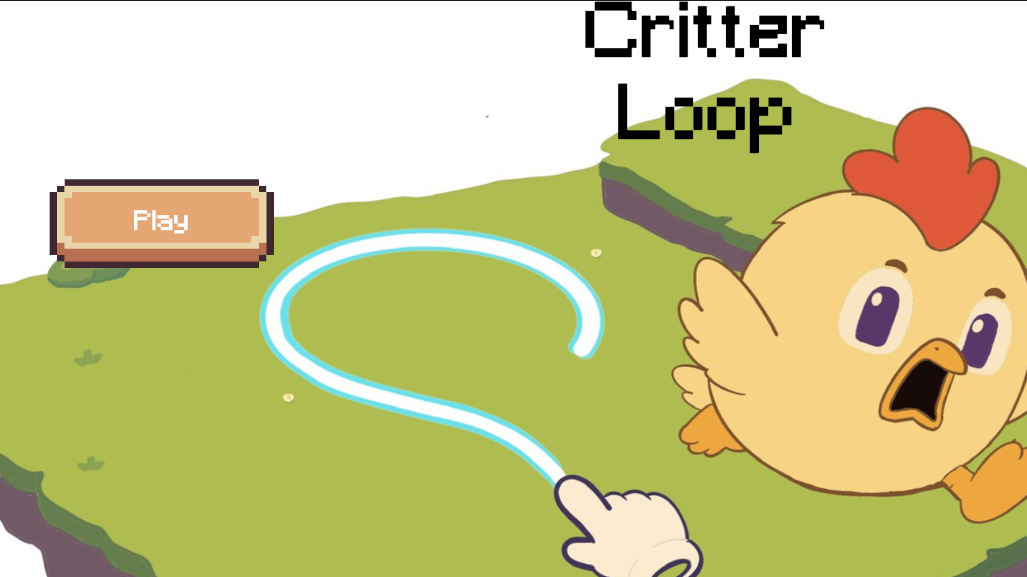
A splash artwork is needed for it, so we started working on one. It's still a work in progress.
Here's a sneak peek at how it's currently looking.
Skills Tree
We want players to feel a real sense of progression when purchasing upgrades in the skill tree.
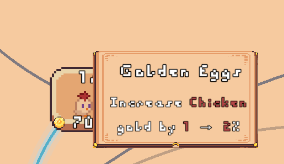
First, we needed to make it easier for players to understand what each upgrade does, so we added a simple information panel:
Some upgrades are simple things such as more damage, more energy, more gold.
However, the game needed game-changing upgrades to make the progress feel real.
This is where we had to come up with more impactful upgrades, such as:
* automatic clicks on creatures
* area clicks on creatures
* extra circles on closing loops
* automatic circles around creatures
It is better to detail some of them
Automatic Clicks and Area Clicks
Clicking four or five creatures to get extra gold is pretty easy and helps you get the most value out of your creatures.
But what happens when you have tens of creatures?
You can't just go around clicking them all.
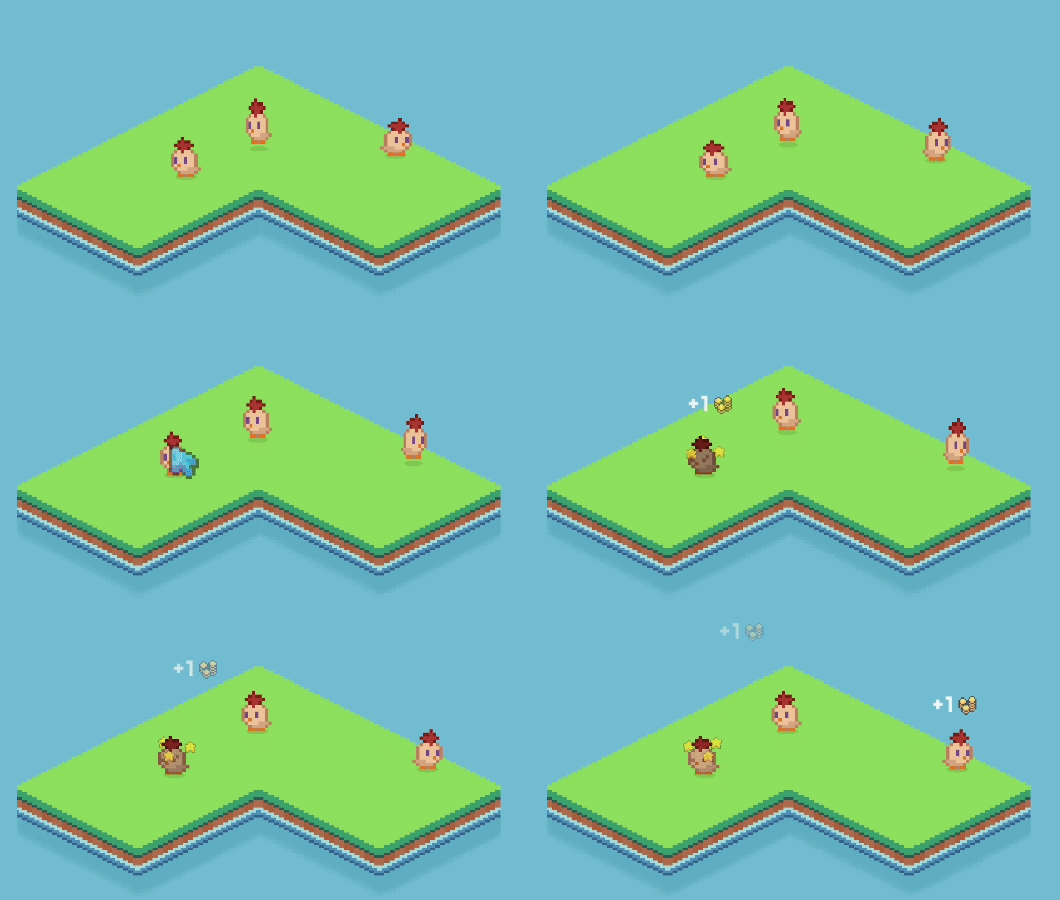
That's where Automatic Clicks come into play:
* Clicks a random creature automatically.
* Helps while you're busy interacting with other creatures.
* Generates extra gold even when you're not actively clicking.
But then you might think: "Well, I have dozens of creatures, and Automatic Clicks only give me one or two extra clicks. That's not enough."
That's when our second clicking skill enters the pitch!
Area Clicks:
* Clicks all creatures within your click radius.
* The radius increases as the skill levels up.
* Automatic Clicks can eventually unlock Area Clicks.
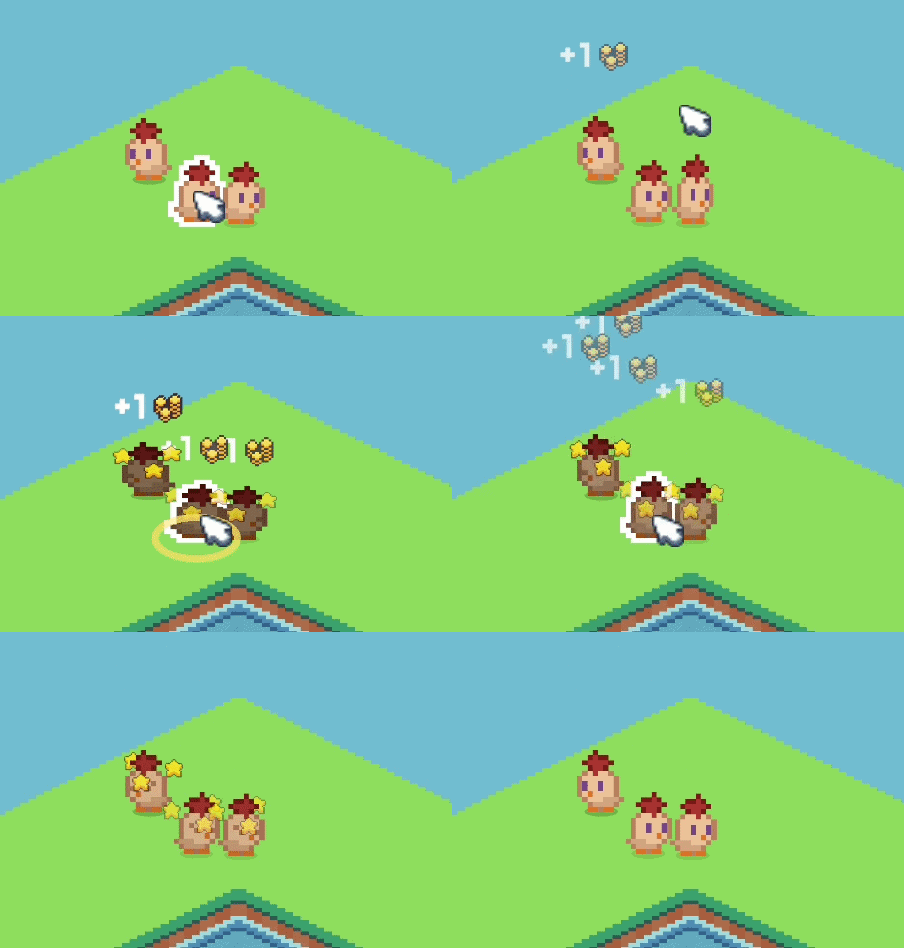
Combining these two upgrades makes the late game much more profitable when managing large numbers of creatures!
New Backgrounds
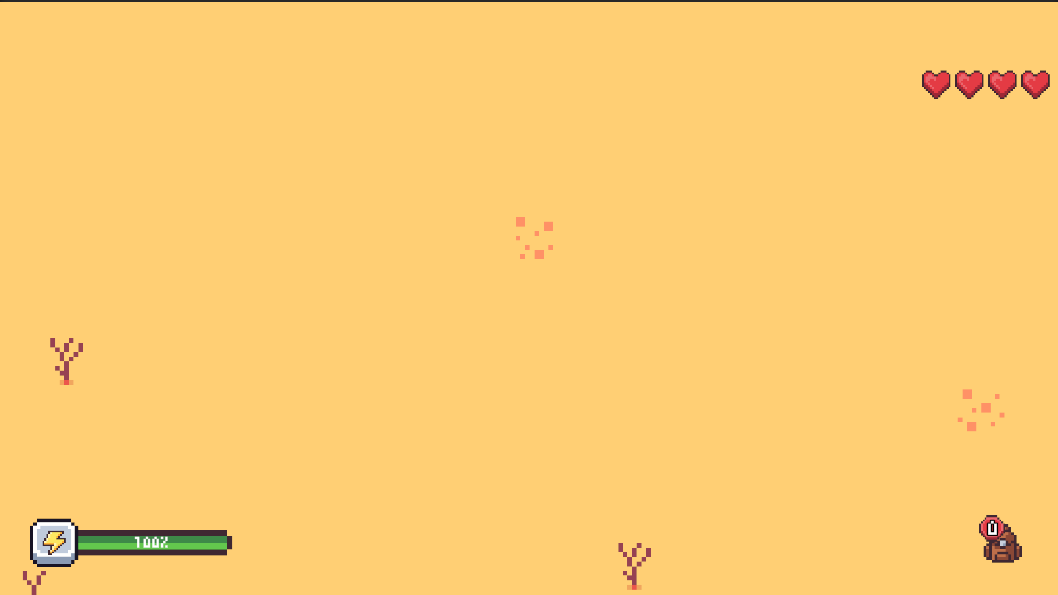
We noticed all our blogs and social media posts were just too... green. A lot of green.
We needed a fresh view, so we started adding more backgrounds.
This was part of the original plan, but we kept pushing it back for later.
But new colors don't just improve our social media posts. They also mean:
* New island types
* New hunting game worlds
* New creatures adapting to those new habitats
CRT effect
The game's visuals were already looking good, but we wanted to experiment with something extra.
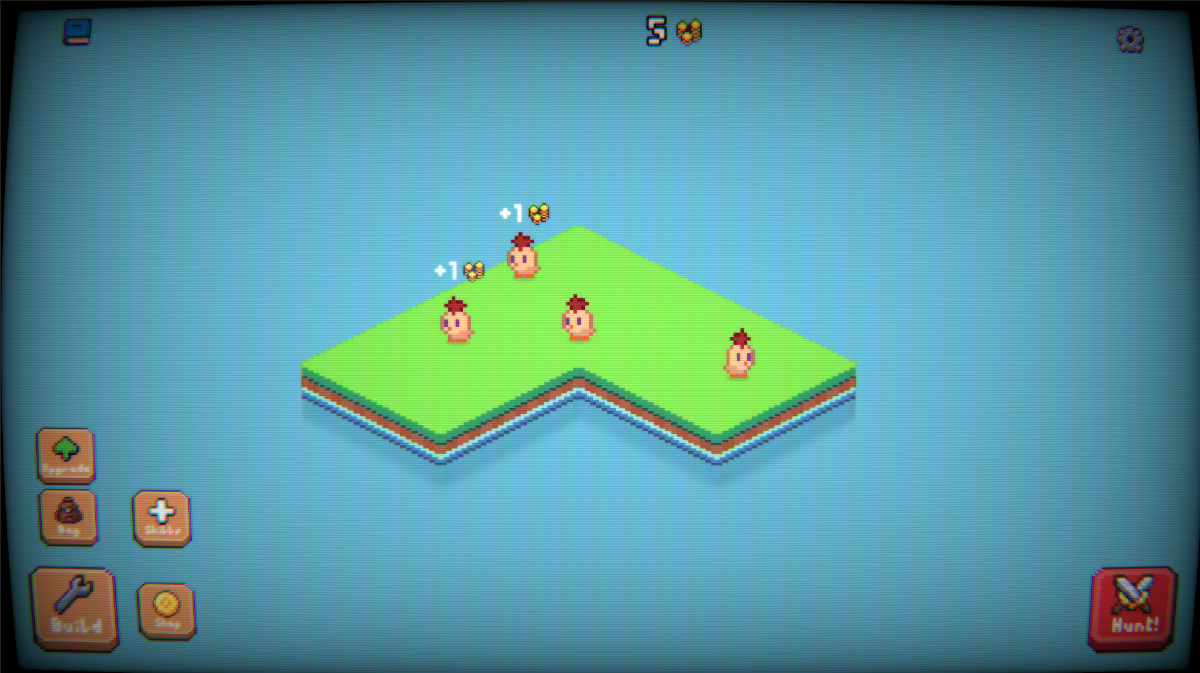
After some discussion, we ended up with the idea of trying some CRT effects to give a nostalgic vibe.
They also make pixel art look significantly better!
Some things we tried are:
* Multiple CRT simulation presets, ranging from subtle scanlines to heavy curved-screen effects.
* Several pixel art display modes, including enlarged pixels, scanline variants, and CRT hybrids.
* Vertical display presets inspired by arcade cabinets.
* Retro TV filters based on vintage consumer displays.
One of our favorite effects was the TV one so we'll leave a picture here of how it looks.
Next Steps
Most of our core mechanics are already in place, so our focus now is on polishing them and preparing our Steam page.
Some of the following work is:
* Designs for the Steam Page
* Finish Main Menu and Onboarding
* Balancing the game economy
* Adding more islands, creatures and skills
Join the process
Join our newsletter HERE